

Initially when I began having problems with my NetGear ReadyNAS system I blamed the issue on bad power. It had all of the symptoms of spikes or brown-outs that were causing the device to freeze.
Add to this the fact that the electrician on my house had to be one of the Marx Brothers and I knew I needed to find a power solution that could protect my network storage device.
<
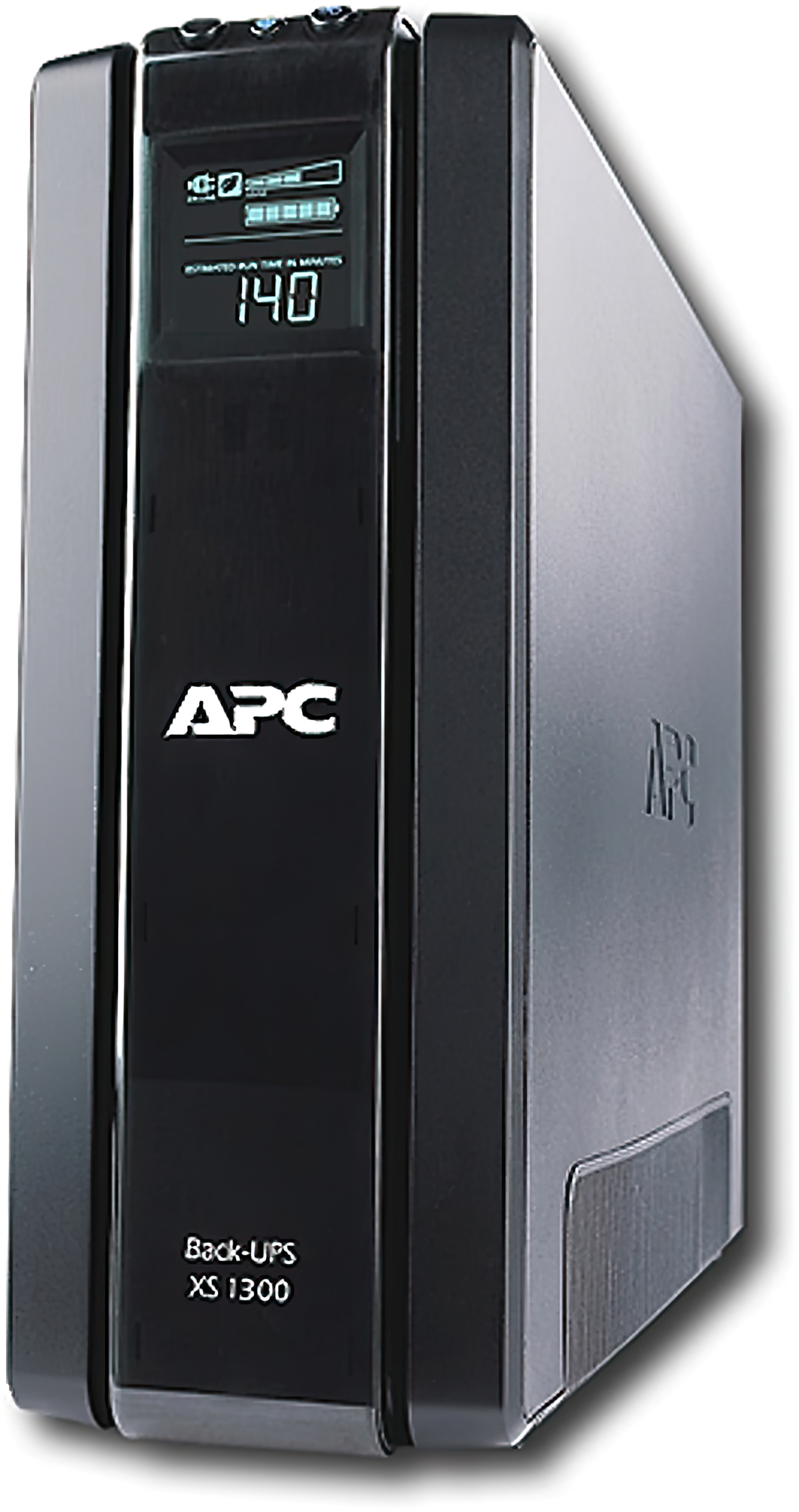 I began researching battery back-up systems to find one that would provide enough time to allow the device to shut down gradually and gracefully. Looking over the documentation for the ReadyNAS Pro unit it did not appear as though it required anything proprietary.
A simple USB connection between the ReadyNAS Pro and the battery back-up unit should suffice. Since this device is in a home environment I was not interested in a battery back-up system that would keep my network running for hours during a power outage.
My theory was that if my house lost power that probably meant the network equipment in our neighborhood would most likely also lose power so even if I kept my entire network up I still would not have Internet services.
I began researching the various battery back-up systems trying to find a happy medium between stand-by power and aesthetics. After all, I was going to have to store this battery system somewhere and I was pretty sure my wife would object if I brought home a lead brick as large as an end-table.
After several online reviews and some quick Google searches I decided on the APC – 1300 VA Battery Back-up System. It is a tower model that can be hidden behind a desk or under the curtains with dimensions of 4.4 inches wide, 11.9 inches height, and 15 inches deep.
The battery back-up system weight a sturdy 22.8 pounds making it light enough to move around yet heavy enough that you want to think twice before dragging it across the floor.
The device has ten power outlets on the back. Five of these are battery back-up and the other five are pass-through outlets. The device is rated for up to 140 minutes of stand-by power.
After plugging in the NetGear ReadyNAS and my 24 inch Mac monitor the device said it had enough power for 19 minutes of reserve. I could probably have extended the time by not including the monitor but I decided I wanted it to remain active allowing me to shutdown properly.
The APC unit included a USB connector and cable that I connected to the back of the NetGear ReadyNAS. I was pleasantly surprised to find the ReadyNAS immediately recognized the APC unit and set itself up to monitor the power state.
There were not configuration screens that had to be filled out, no software to be installed; it was simply plug-and-play. Considering how complicated my life and my network is, it was refreshing to have something just work right out of the box.
After plugging in all of the devices I was feeling pretty good. I still didn’t know whether the device would actually work but I was hopeful. My answer would come quickly enough.
One of my kids was making toast in the kitchen when a piece of bread became jammed causing the GFI circuit in the kitchen to eliminate power to the plug. Interestingly enough, our electrician connected the GFI outlet with the toaster to an outlet in the living room that was twenty feet away. Like I said, he had to be one of the Marx Brothers.
When the GFI tripped the APC came to life alarming and notifying the user through the front display that the unit was now on battery power. The ReadyNAS was likewise notified and began shutting down.
This was just what I would have expected and it just worked. I cannot say enough about how simple this product was to install and implement. I can now rest a little easier knowing my ReadyNAS is protected from power spikes and outages.
If only everything in my life was this easy. I might actually get some sleep at night instead of laying awake worrying.
0 Comments